AI pose changer for character images
AI Pose Changer
Upload a character image and let the AI pose changer move it into a new stance while keeping the identity, outfit, and style intact.
Change a character's pose
Use an uploaded image as the source, then describe the new stance or gesture.
Public by default · Pro members can hide generations
Changed pose
Your character with the new pose appears here.
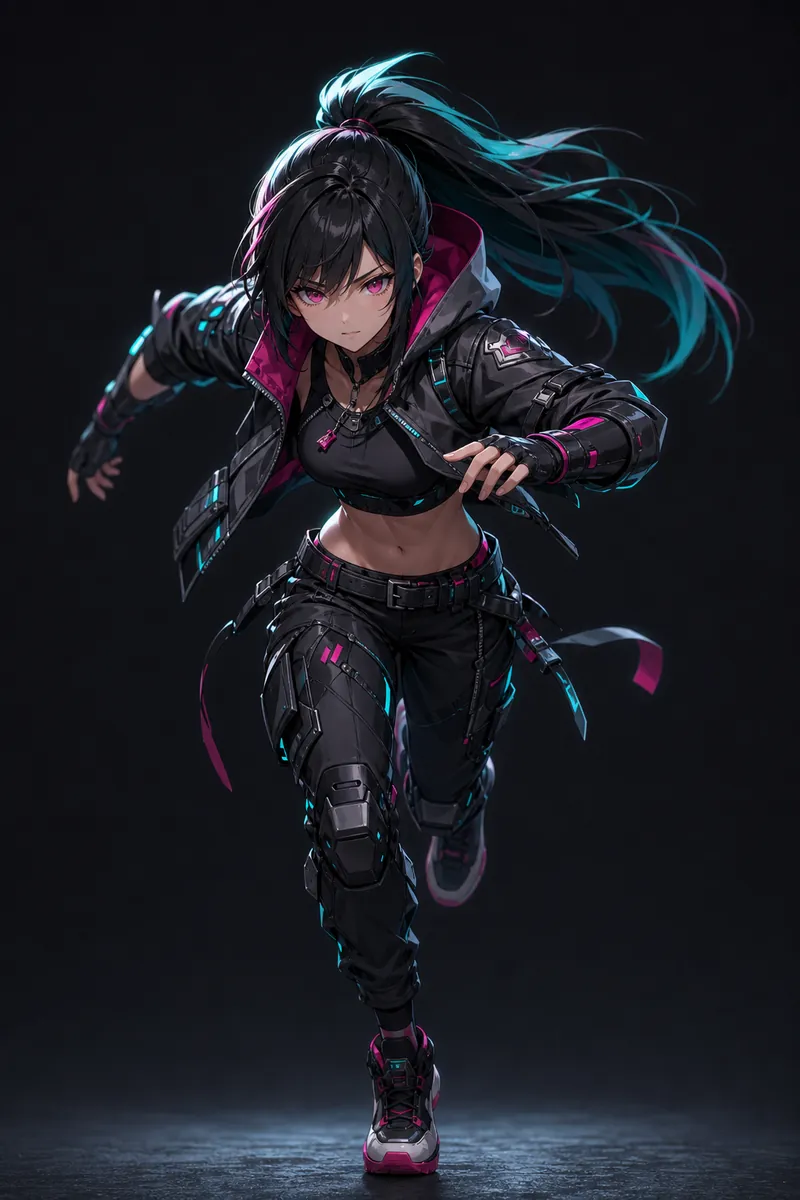
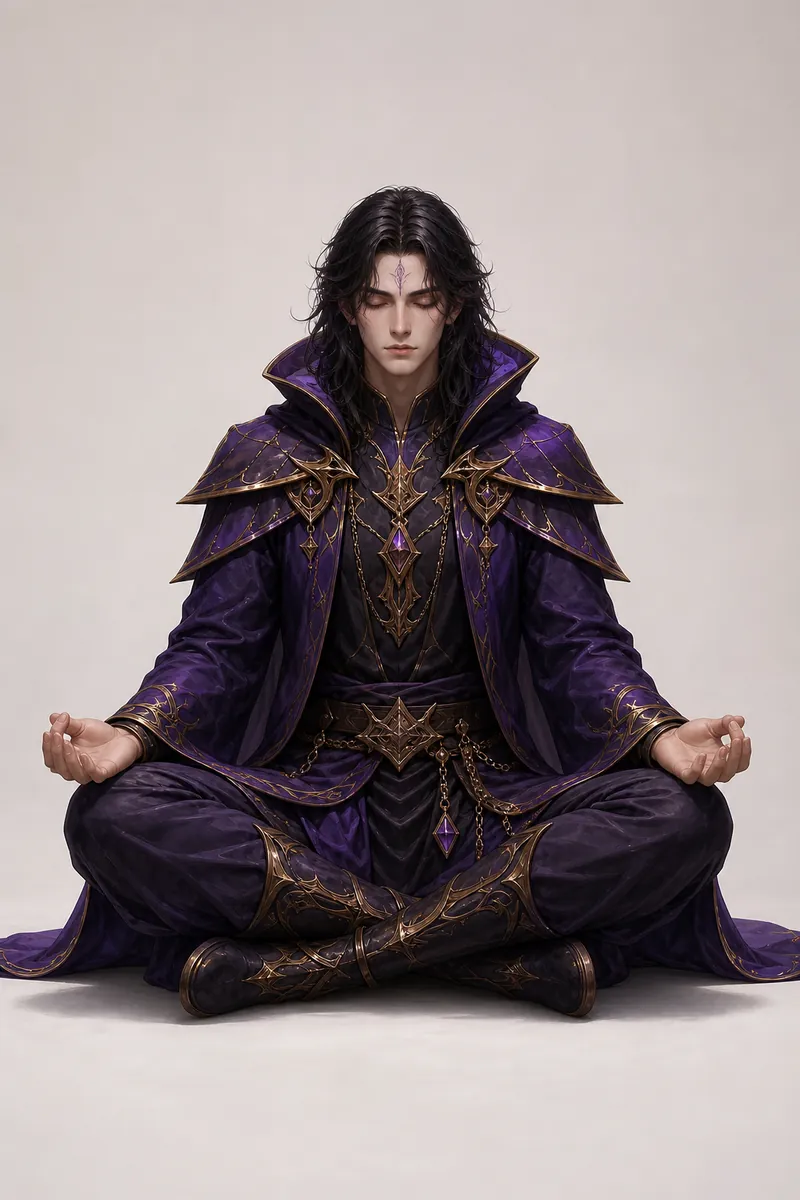
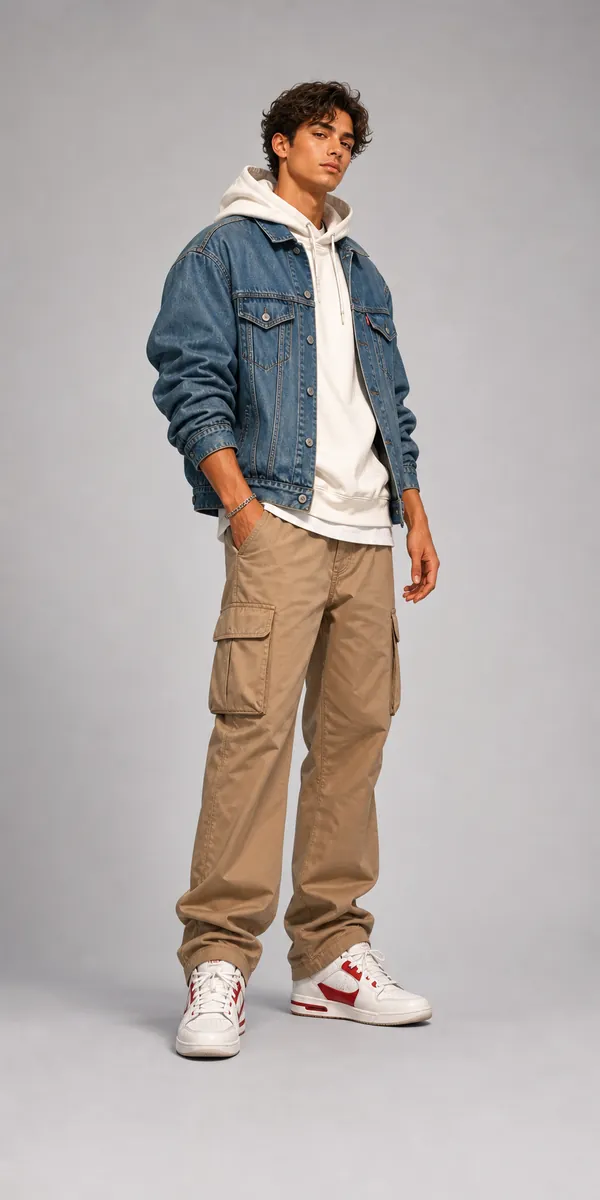
Upload a character to repose
Add a source image and describe the pose change you want.
AI Pose Changer
Change Character Poses Online
AI Pose Changer is for users who already have an image and want to change the body language, stance, or gesture while keeping the character and creative direction intact.
Best for
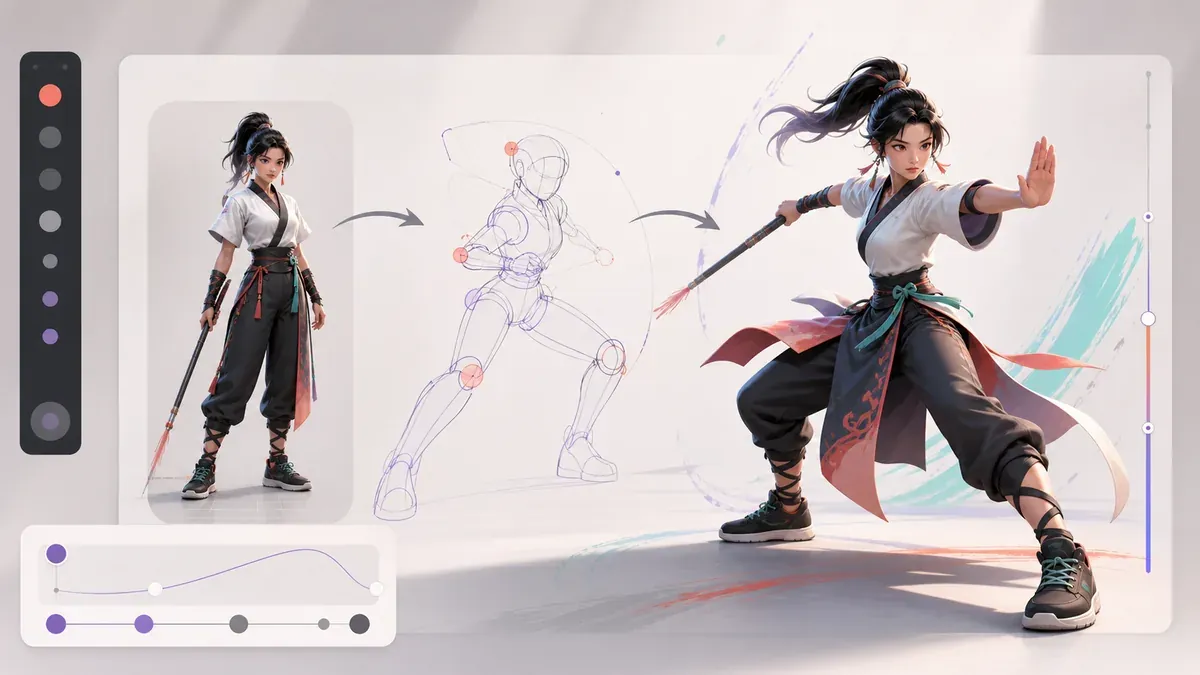
Upload an image and describe the pose change — the AI pose changer creates the same character in a new stance.
Change any character's pose without redrawing
This AI pose changer focuses on changing body language while keeping the source image useful as a reference — the character stays recognizable, only the pose moves.
Upload the source image
Use a clear character image so the pose changer can read the outfit, silhouette, and style.
Describe the target pose
Be direct about stance, gesture, camera angle, and whether hands or feet must be visible.
Use a sketch for hard poses
When the target pose is unusual, add a pose sketch to reduce ambiguity.
Prompt ideas for AI Pose Changer
What an AI pose changer does
A pose changer takes an existing character image and generates the same character in a new stance, gesture, or body angle — no repainting or manual warping.
Reference-first workflow
Uploaded images and optional pose sketches give the pose changer clearer constraints than a text-only pose prompt, so the result stays true to your character.
Also works as a pose editor
Use it for small pose edits too: turn the head, raise an arm, or shift weight while identity, outfit, and rendering style stay consistent.
How does the AI pose changer work?
Upload a character image, describe the new pose (or sketch it), and the pose changer generates the same character in the new stance while preserving identity, outfit, and style.
Can I change a pose in a photo?
Yes. The pose changer works with photos, illustrations, and anime characters. Clear, full-body source images give the best results.
Do I need to upload an image?
For pose changing, an uploaded image gives the best result. You can still generate from text when you only need a new reference.
Can I keep the same outfit?
Describe what must stay the same, such as outfit, hairstyle, character type, and overall style — the pose changer treats those as constraints.
Recent AI Pose Changer results
Browse recent community images for prompt and style inspiration.
Recent edit Images
View allRelated makers
Move between focused generators when a reference needs more control.